Issue #200 (An E-Book to Learn VS Code)02/18/26
The Best New App for Newsletter Reading
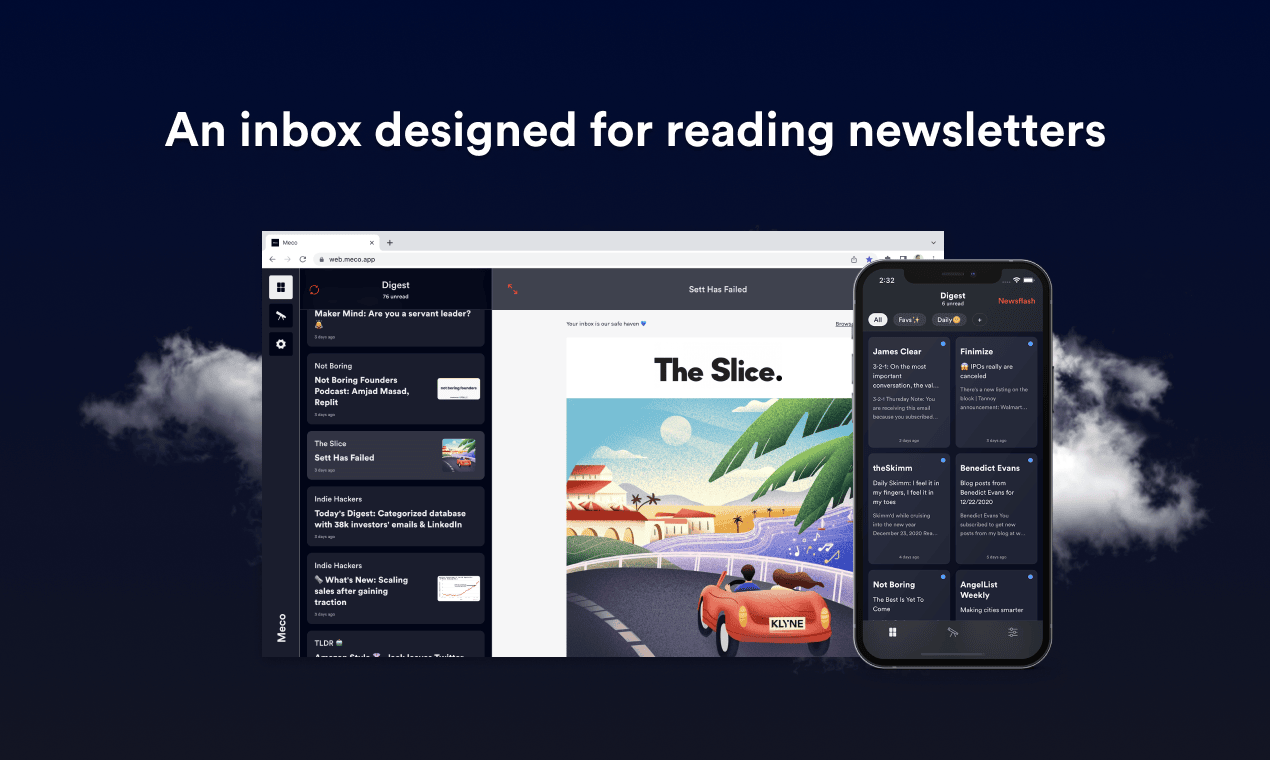
Reading newsletters in the inbox is frustrating – it's noisy and easy to lose control of subscriptions. Now with Meco, you can enjoy your newsletters in an app built for reading, while giving your inbox space to breathe.
|
Here are some of the highlights of using Meco:
- Meco connects to Gmail & Outlook, allowing you to instantly move your newsletters to the app (and clear your inbox)
- The experience is packed with features to supercharge your reading including the ability to group newsletters, set smart filters, bookmark your favorites and read in a scrollable feed
- You can try the experience for free and available on iOS, Android, and web (desktop)
Over 30k readers are enjoying their newsletters (and decluttering their inbox) with Meco.
|
|
As you may have noticed, this is issue #200 of VSCode.Email, which I started writing in April of 2022. It's been almost four years of news, updates, and content.
As most of you know, I've published a tip in the intro of this newsletter almost every week since it started. The tips are more or less just me finding something new or interesting in VS Code and sharing it, without any need for extensions or separate tools. I always try to include a customization or feature tip that doesn't require an extension.
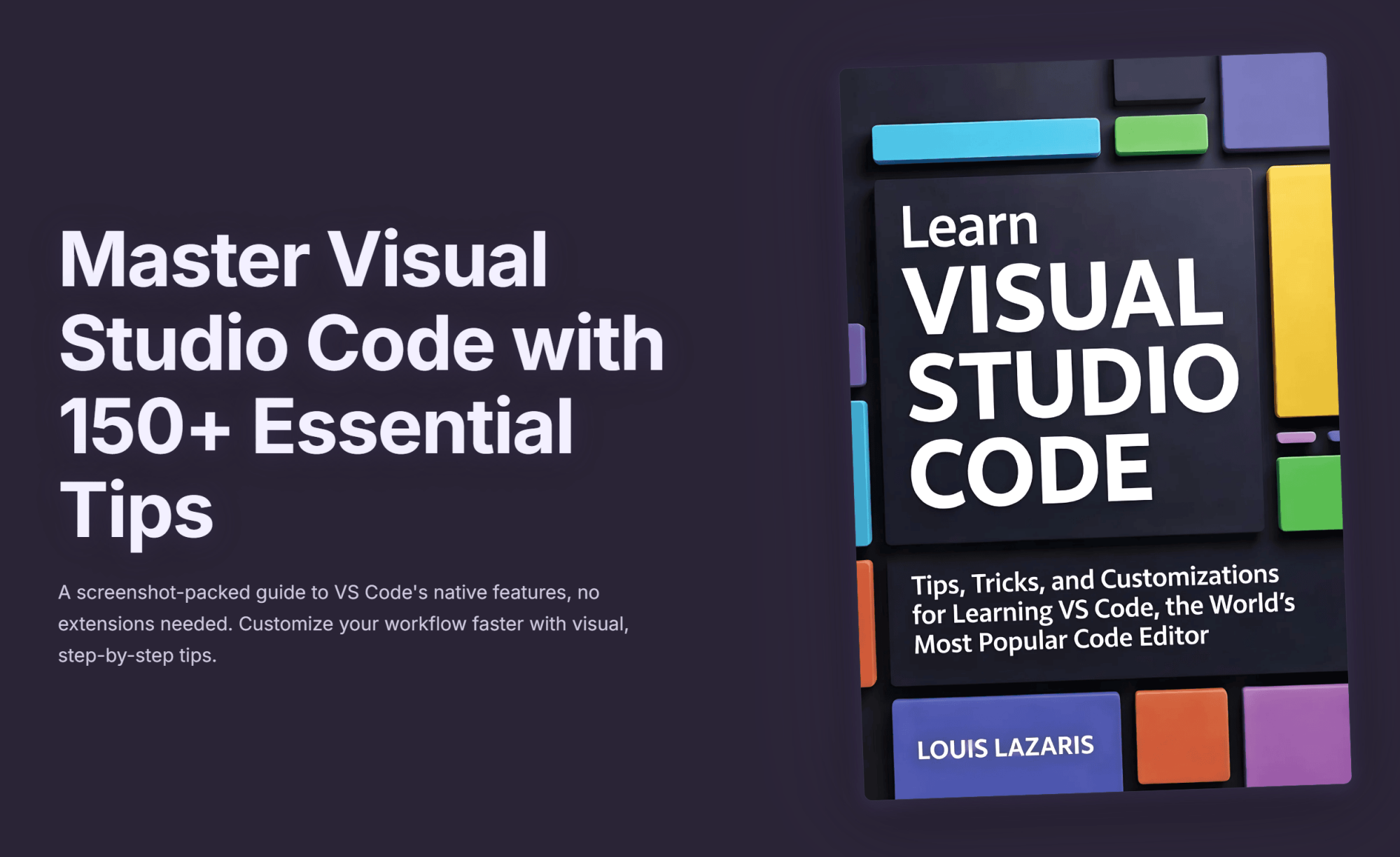
So to celebrate the 200th issue, I put all the intro tip content into a brand new single e-book in EPUB and PDF formats. The e-book improves on the newsletter content in the following ways:
- Most screenshots have been refreshed and improved for higher-resolution screens and to be more in line with the latest version of VS Code.
- Content has been improved and refined and errors were corrected, where necessary.
- All screenshots now have captions.
You can buy the book on Gumroad today.
Here's the basic book info:
- 156 VS Code tips
- 346 pages (PDF version)
- 450+ high-resolution screenshots
- Price: $7.99 USD
Because I write and come up with this content on my own every week, none of the content in the book is generated by AI. I did use AI to help with certain technical things. For example, the cover was generated by AI, many of the image optimizations were done with the help of AI, and I used AI to help me get familiar with using Pandoc to generate e-book materials from Markdown files.
I do understand that e-books and courses are in sharp decline nowadays since AI coding has taken over. But I hope this particular e-book resonates as something you can't just get from AI. If not – no big loss! The content was mostly already created through the newsletter, all I did was work on it off and on for a few weeks to refine it and get it into shape for release as a book.
So if you'd like to offer your support for the work I do and want all the newsletter tips into a single, easy-to-read volume, buy the book today!
Thanks again for your support through issue #200!
Now on to this week's hand-picked links!
|
|
|
VS Code Tools
|
Apptron — A local-first development platform based on a full Linux environment running in the browser with a VS Code-based editor for you to do whatever you want with.
ThoughtTap — A VS Code extension to transform simple prompts into powerful AI instructions with context-aware optimization. Boost your ChatGPT, Claude, Gemini, & Copilot interactions with smart project analysis. An article on this tool is linked below.
Web Tools Weekly — A weekly newsletter featuring tools for front-end and full-stack web developers, covering JavaScript, CSS, React, AI, SVG, Node.js, Vue, and lots more. Sponsor
KeelTest — A VS Code extension for Python users for testing that offers deep static analysis, bug detection, smart dependency mapping, self-healing tests, and more.
|
VS Code Theme of the Week
|
Manchester United Theme — A true novelty theme that I doubt too many will install and use extensively, but a neat little idea for European football fans of Manchester United.
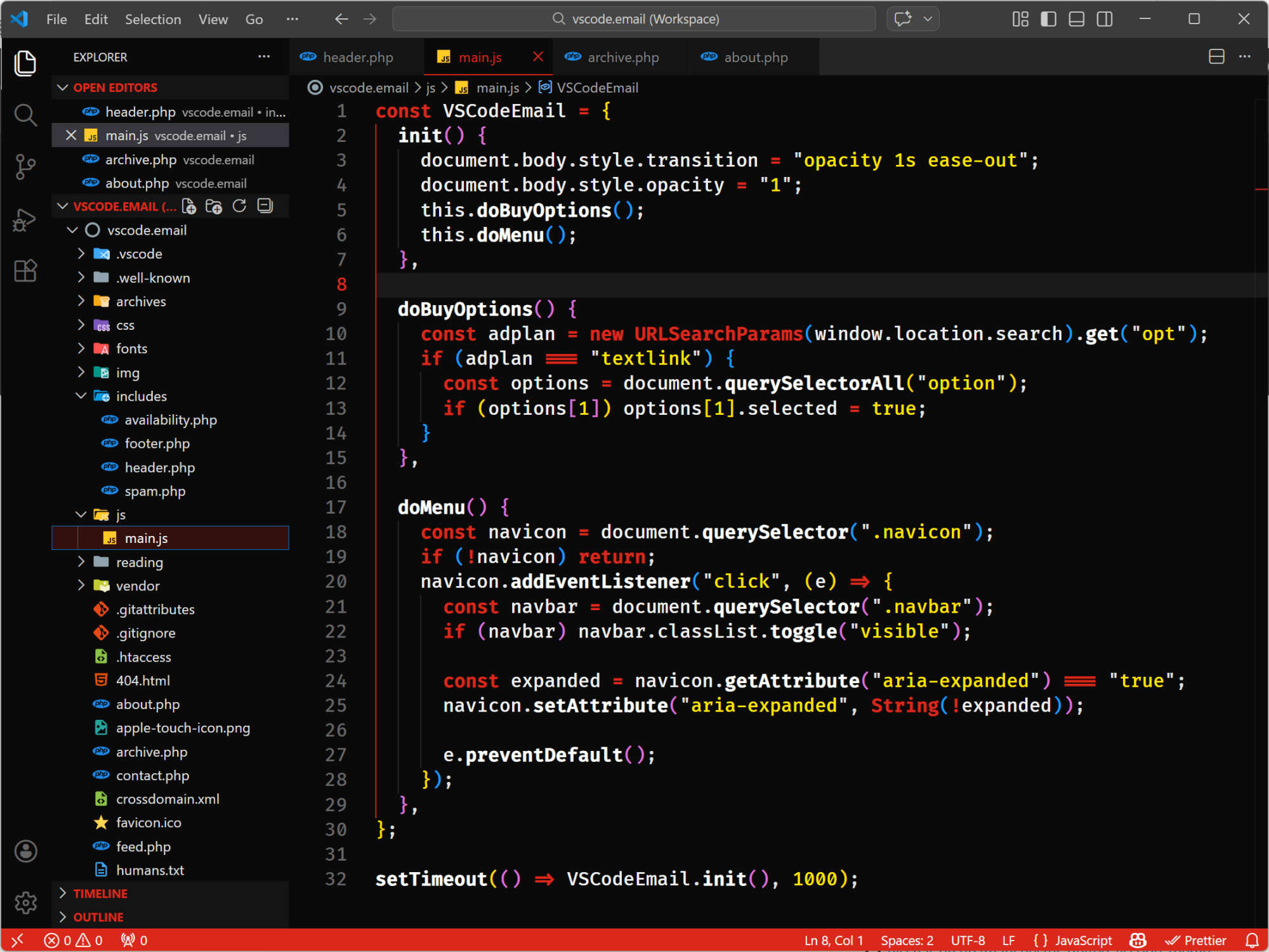
The theme includes a dark version (shown above) and a light version and it has some bold color choices. I do feel that they could have gone a little more 'all-in' on the UI color choices, but it does what it intends to accomplish – pay homage to what I assume is the author's favourite sports team.
|
|
|
|
|
VS Code Articles & Videos
|
|
|
|
|
Best of the Rest
|
Introducing Theme Builder — The Zed team introduces a new web-based theme builder with a live preview, allowing you to instantly see which token controls what, and export the result when you're done. Try it here.
KokoScript Playground — A playground for KokoScript, a subset of the JavaScript language that can be written in Japanese.
Brain Food, Delivered Daily — Every day the folks at Refind analyze thousands of articles and send you only the best, tailored to your interests. Loved by 550,000+ curious minds. Sponsor
Hover — A Chrome extension that brings IDE-style hover documentation to your browser, for example when reading code on a documentation site or in an AI chat app.
If you have any link suggestions, including a tool, article, or other resource related to VS Code or another IDE, you can hit reply, send it via DM on X, or via chat on Bluesky.
That's it for this issue.
Happy VS Coding!
Louis
VSCode.Email
@LouisLazaris
|
|
|