Issue #206 (New Default VS Code Themes)04/01/26
The Best New App for Newsletter Reading
Reading newsletters in the inbox is frustrating – it's noisy and easy to lose control of subscriptions. Now with Meco, you can enjoy your newsletters in an app built for reading, while giving your inbox space to breathe.
|
Here are some of the highlights of using Meco:
- Meco connects to Gmail & Outlook, allowing you to instantly move your newsletters to the app (and clear your inbox)
- The experience is packed with features to supercharge your reading including the ability to group newsletters, set smart filters, bookmark your favorites and read in a scrollable feed
- You can try the experience for free and available on iOS, Android, and web (desktop)
Over 30k readers are enjoying their newsletters (and decluttering their inbox) with Meco.
|
|
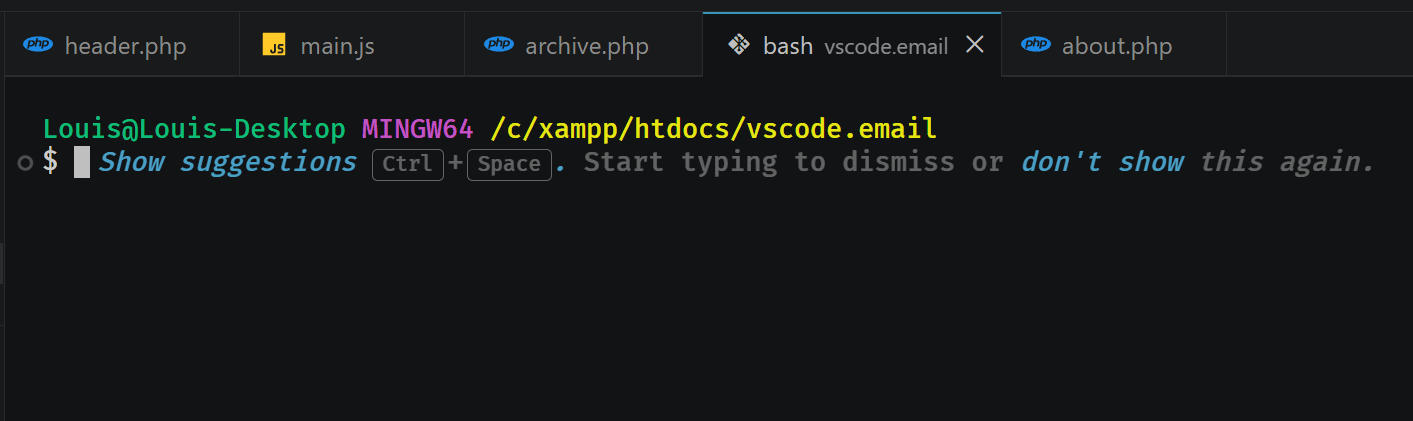
Not too long ago, VS Code added a much-requested feature to the integrated terminal: the ability to open a new terminal in a separate window. Recently, however, the VS Code team made this feature much more discoverable.
The common shortcuts for the terminal are:
- Toggle open/close the Terminal: CTRL+~
- Open a new Terminal: CTRL+SHIFT+~
The shortcut for opening a New Terminal Window is:
- New Terminal Window: CTRL+SHIFT+ALT+~ (use OPT for ALT on Mac)
That shortcut is definitely not physically convenient, so if you find one that can replace it, feel free to do so!
Another new way a new Terminal (but not a new Terminal Window) is accessible is when you right-click in an empty area next to your open tabs or in an empty editor window. Note that when you use this option, even if you already have a terminal session open in the usual place, the new Terminal will open as a new tab.
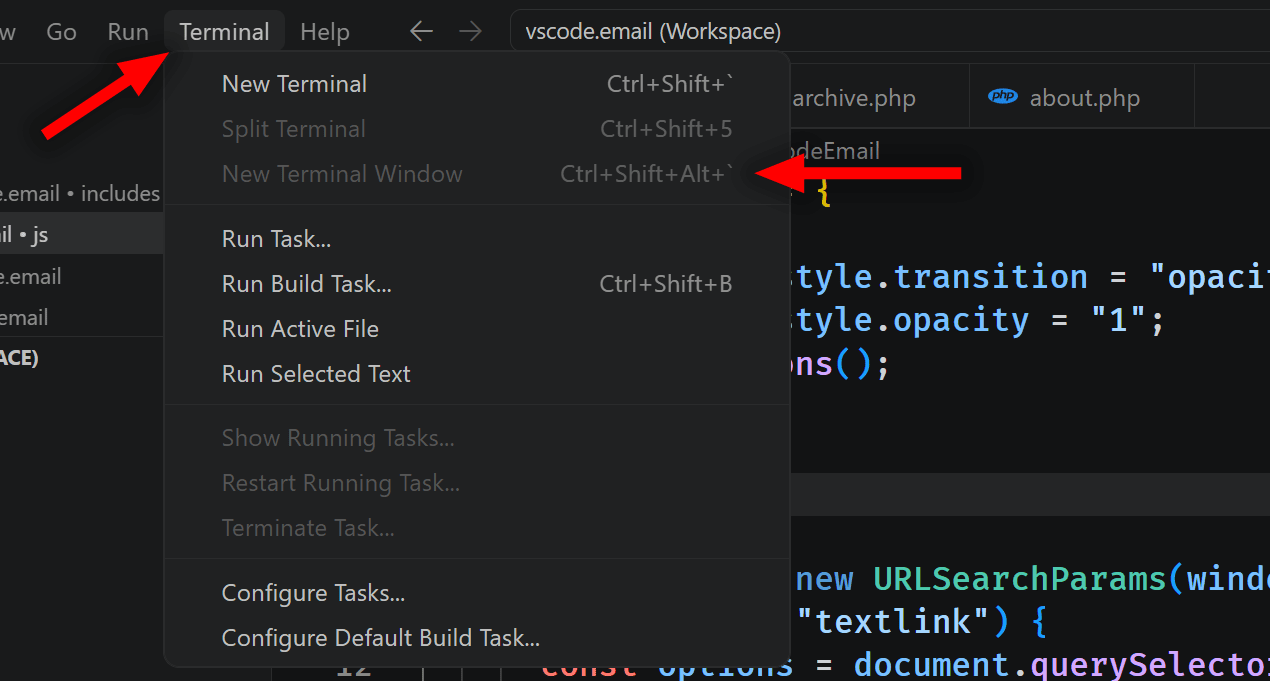
You'll also note that the Terminal menu in the main menubar now has a New Terminal Window entry. But of course, this option will be grayed out if you don't already have a terminal open.
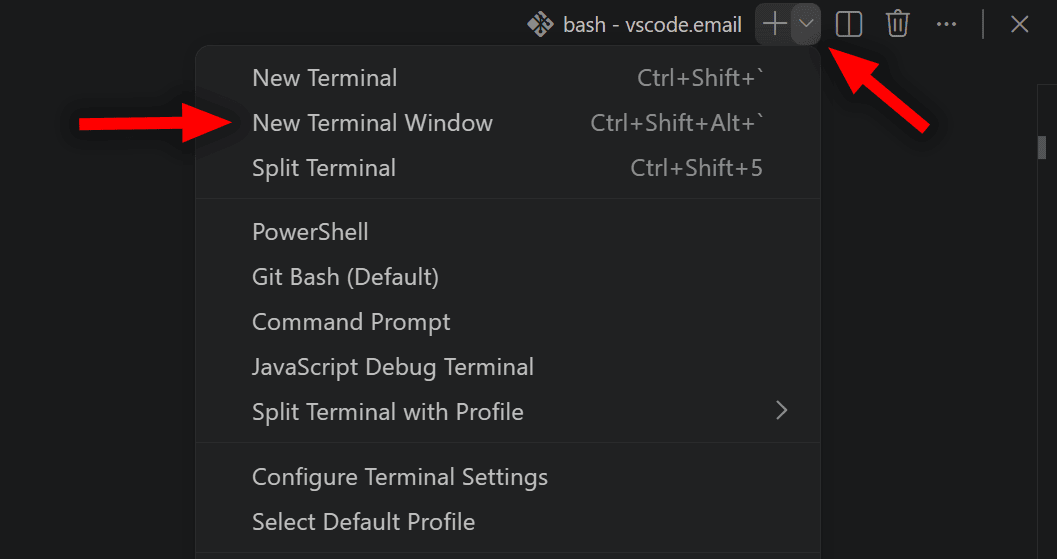
And lastly, within the terminal window or tab, you can use the little "New Terminal" dropdown to choose the same New Terminal Window option.
Thus, there are lots of places now to access opening a new terminal session in a separate window.
Now on to this week's hand-picked links!
|
|
|
VS Code Tools
|
Stanza — A learning tool for lessons and challenges on the modern technologies and AI tools right in your code editor, Slack, or the web. Supports VS Code, Windsurf, Cursor, and Antigravity.
Delta — An AI-powered code review/testing assistant for VS Code that provides intelligent feedback on your code changes and a prompt testing panel for LLMs.
Learn Visual Studio Code — A 346-page e-book in EPUB and PDF formats that includes 150+ native tips and 450+ screenshots, to help you customize and learn Visual Studio Code, the world's most popular code editor. Sponsor
Copilot Studio — A VS Code extension that enables developers to edit their Copilot Studio agents from within VS Code. See articles section below for a brief intro.
|
VS Code Theme of the Week
|
VS Code Dark — This is a newly refreshed default dark theme that's now built into VS Code, as of the latest weekly stable release (version 1.113). It doesn't have a dedicated extension page, so the links here go to the update documentation.
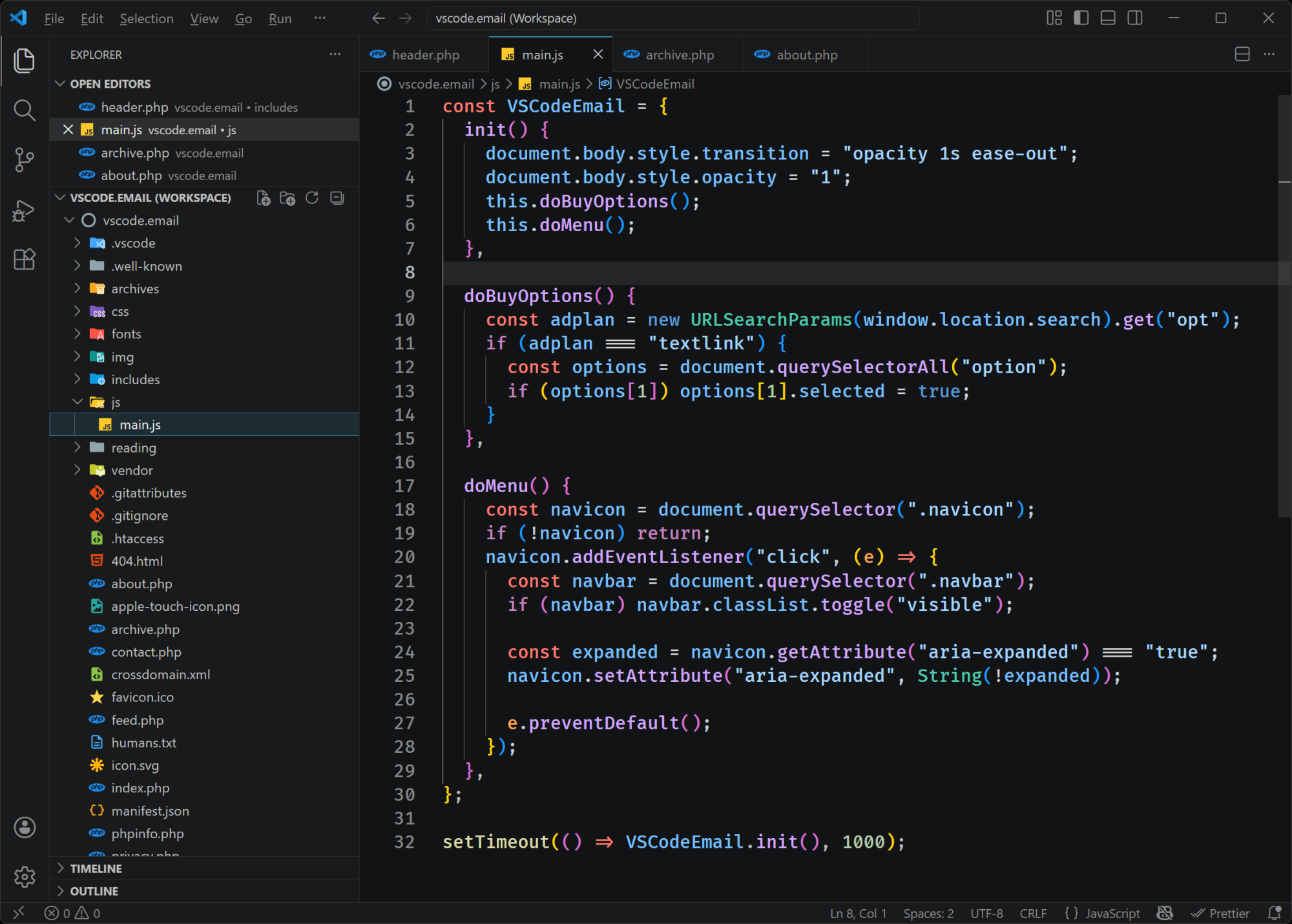
In addition to the dark version, there's also an improved VS Code Light built-in theme that you might want to check out if you prefer something bright. The dark is pretty good for readability and the UI, but I find the light is too light for my taste.
|
|
|
|
|
VS Code Articles & Videos
|
|
|
|
|
Best of the Rest
|
SnippetsLab — A Mac app that offers a full-featured snippet manager and note-taking app designed for developers, with features like smart grouping, multi-tab snippets, and syntax highlighting for 600+ languages and formats.
WizardJS — A native JavaScript and TypeScript playground with real-time execution, and advanced features, built with Electron for macOS, Windows, and Linux.
David Burkus Newsletter — Join 25,000+ leaders who receive David's twice monthly tips on building high-performing teams. Sponsor
YEN — A Terminal-first IDE with 1st-class features like native speech-to-text, email, calendaring, ~80 curated stylish themes, custom notifications, power dev tools, and more.
If you have any link suggestions, including a tool, article, or other resource related to VS Code or another IDE, you can hit reply, send it via DM on X, or via chat on Bluesky.
That's it for this issue.
Happy VS Coding!
Louis
VSCode.Email
@LouisLazaris
|
|
|