Issue #210 (Stop Using VS Code Like This)04/29/26
|
|
Here's what you get:
- Daily AI news that matters for your career – Filtered from 1000s of sources so you know what affects your industry.
- Step-by-step tutorials you can use immediately – Real prompts and workflows that solve actual business problems.
- New AI tools tested and reviewed – We try everything to deliver tools that drive real results.
- All in just 3 minutes a day
|
|
A simple but useful quick tip was shared on the VS Code X account recently, demonstrating how to select content inside of curly braces or parentheses easily in VS Code.
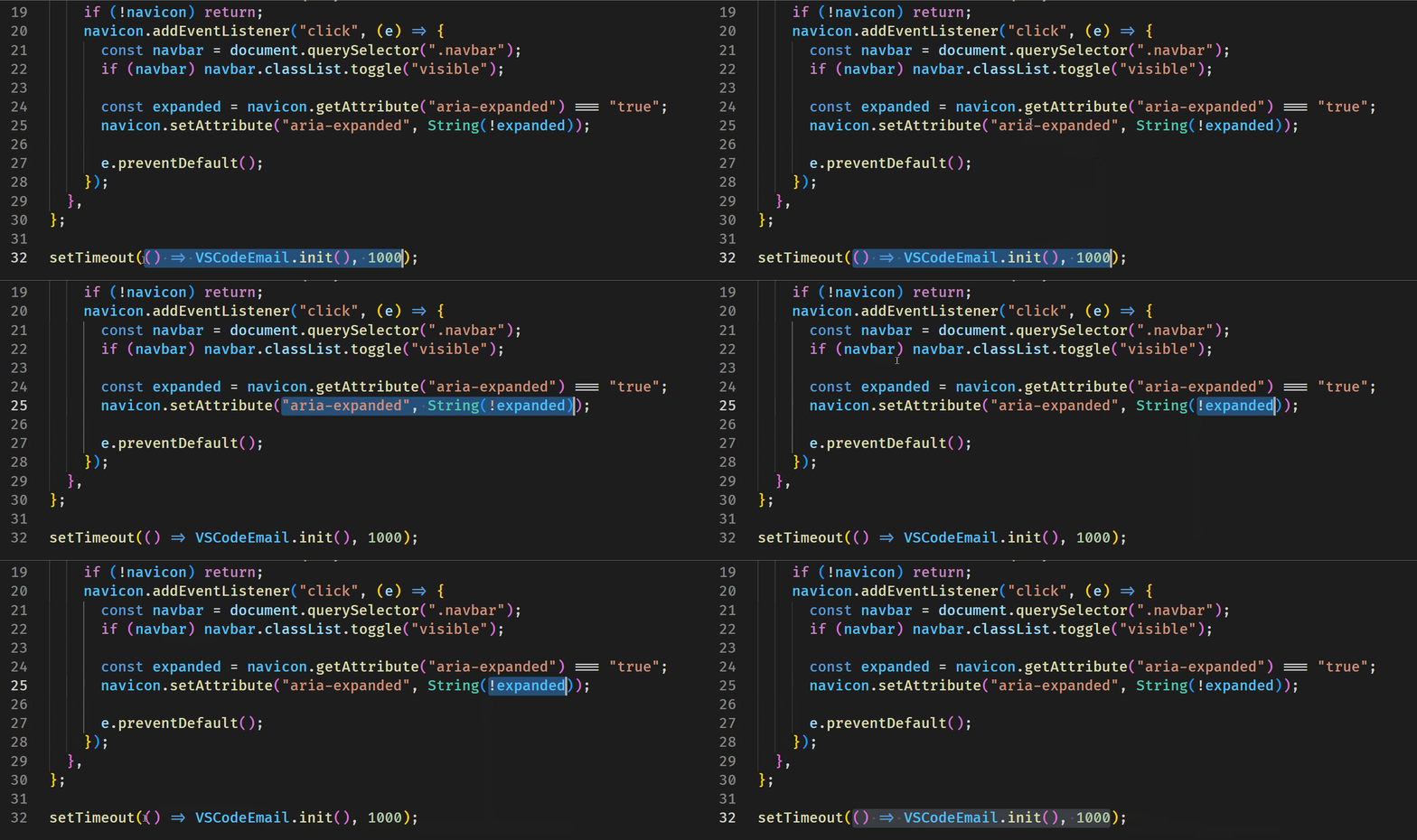
To select all the content inside a set of curly braces, simply double-click just inside the opening curly brace or just inside the closing curly brace, as shown below.
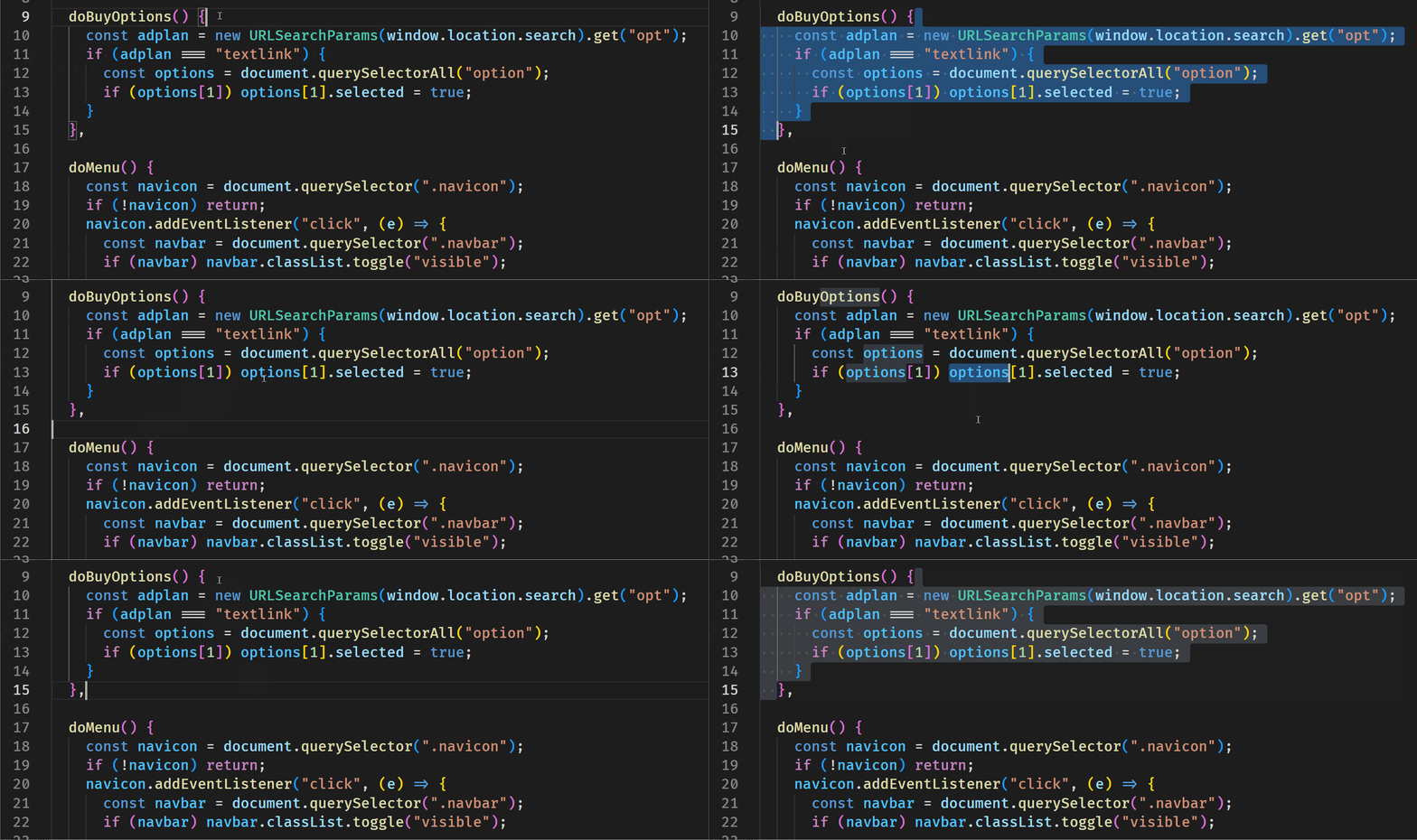 |
And here's an example with parentheses:
Of course, this assumes you're still working inside your editor and not just prompting the whole time. It also assumes you're not working exclusively with the keyboard. A nice one to keep in mind if you use your mouse in the editor.
Now on to this week's hand-picked links!
|
|
|
VS Code Tools
|
Quick Task — A VS Code extension that adds an all-in-one task manager and task runner for Gulp, npm, VS Code tasks, and shell scripts.
Merge Guard — A VS Code extension that predicts merge conflicts before they happen, continuously monitoring branches and will warn you about potential conflicts using Git merge-tree simulation.
Do You Know VS Code's Native Features? — A 346-page e-book in EPUB and PDF formats that includes 150+ native tips and 450+ screenshots, to help you customize and learn Visual Studio Code, the world's most popular code editor. Sponsor
HTMX Toolkit — A VS Code extension that offers a complete HTMX development toolkit, including IntelliSense, hover docs, validation, diagnostics, and snippets for 20+ template languages.
|
VS Code Theme of the Week
|
1984 — A set of six diverse themes that the author admits were made "for fun" and not necessarily for long term use. A few are bold and risky in terms of colors, but the others are actually pretty nice and easy on the eyes.
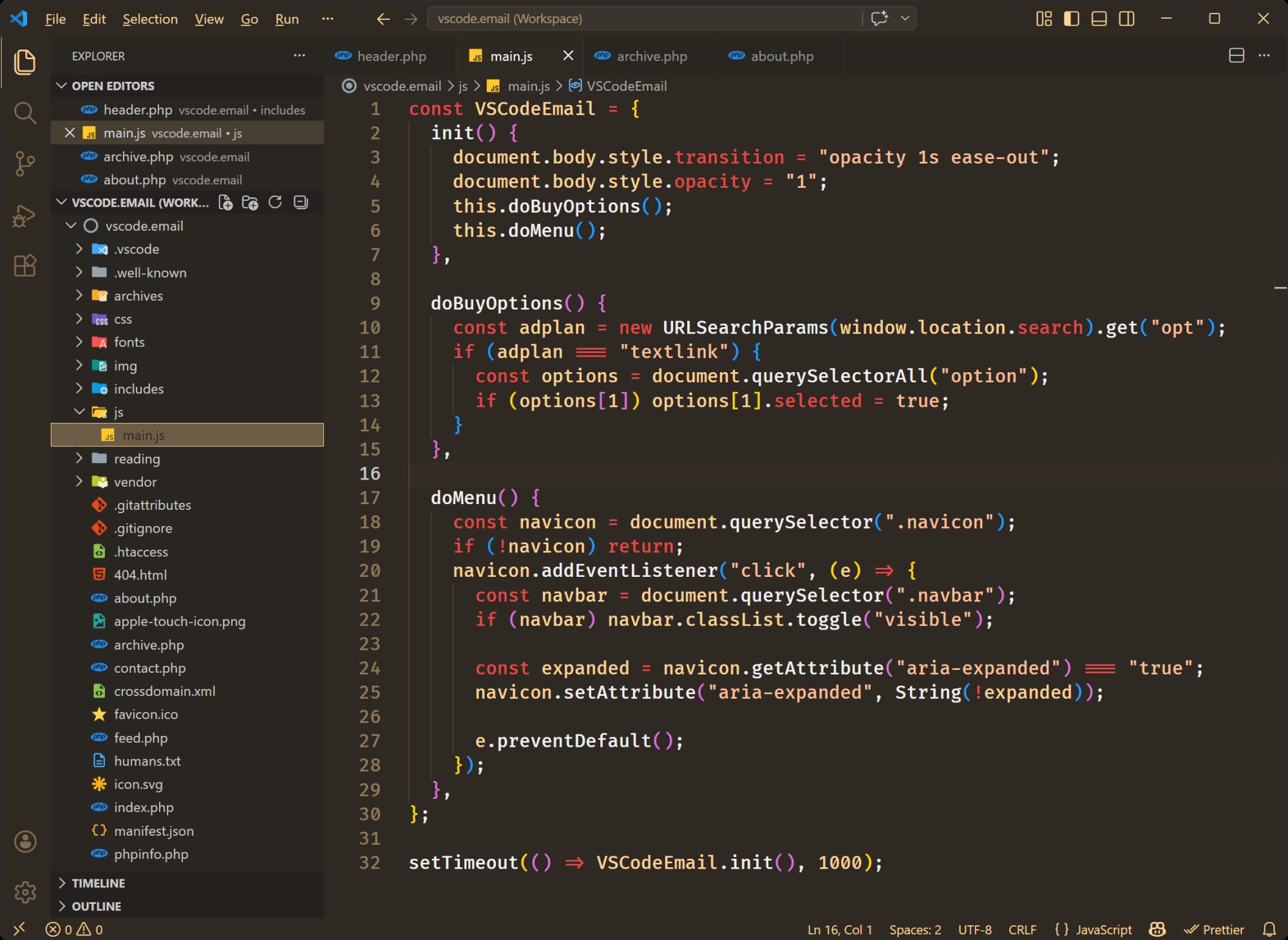
The one shown above is called Orwellian but there's also the regular 1984, 1984 Unbolded, and 1984 Fancy (i.e. italics added). There's also Cyberpunk (not as bad as it sounds), and a decent light theme. Worth checking out if you like a variety of themes.
|
|
|
|
|
VS Code Articles & Videos
|
|
|
|
|
Best of the Rest
|
mdview.io — A Markdown viewer for diagrams and math, built for reading and sharing AI-generated Markdown in the LLM era.
Catnip — A code editor that's secretly a cat colony (yes, that's correct). Hand-drawn cats live inside your editor. They chase your cursor, hiss at syntax errors, nap on TODO comments, and parade across the screen when your code runs clean.
TLDR AI — Keep up with AI in 5 minutes. Get the most interesting AI stories and breakthroughs delivered in a free daily email. Join 900,000+ subscribers. Sponsor
kodbox — A file manager for the we that's also a web code editor, allowing you to develop websites directly within the browser with a self-hosted file management system and multi-cloud support.
If you have any link suggestions, including a tool, article, or other resource related to VS Code or another IDE, you can hit reply, send it via DM on X, or via chat on Bluesky.
That's it for this issue.
Happy VS Coding!
Louis
VSCode.Email
@LouisLazaris
|
|
|